How to Hire the Best Desktop App Developer in Uganda — A 2026 Buyer's Guide
Practical, honest 2026 buyer's guide to hiring desktop app developers in Uganda. The 12-point evaluation checklist, the red flags to avoid, UGX pricing benchmarks, and how to vet a shop's framework, offline strategy, hardware integration and support model.
How to Hire the Best Desktop App Developer in Uganda — A 2026 Buyer's Guide
Hiring a desktop application developer in Uganda is one of the higher-stakes vendor decisions a business owner makes. A bad web vendor wastes a few million shillings and a month or two. A bad desktop vendor leaves you with software your staff hate, hardware that doesn't talk to anything, no real offline mode, no auto-update path, and a binary that nobody else can pick up and maintain.
This guide is the checklist we wish every prospect used when they shopped around — including the ones who don't end up picking Desishub. Read it, score every vendor, and pick the team whose answers actually hold up.
Table of Contents
- Step 1 — Define the job, not the tool
- Step 2 — Ask for running software, not screenshots
- The 12-point vendor evaluation checklist
- Five red flags that should end the meeting
- UGX pricing benchmarks for desktop projects in 2026
- Contract clauses that protect you
- Why Desishub keeps winning these briefs
- FAQs
Step 1 — Define the Job, Not the Tool
Before you talk to anyone, write down the business outcomes you need, not the technology you think you want.
Bad brief: "We need a Java desktop app." Good brief: "We need to take 200 sales per day across two branches, work offline, track every IMEI to its handset, print receipts to an Epson TM-T20, and have the owner see a P&L on their phone."
Vendors should propose a stack that fits the brief, not the brief that fits their stack.
Step 2 — Ask for Running Software, Not Screenshots
Anyone can show you a Figma file. The first thing to ask any prospective vendor is:
"Show me a desktop app you've shipped that I can install and click around — for at least 10 minutes."
If they can't produce one, end the meeting. Desktop is a craft you learn by shipping, and there's no substitute for a binary that survives contact with reality.
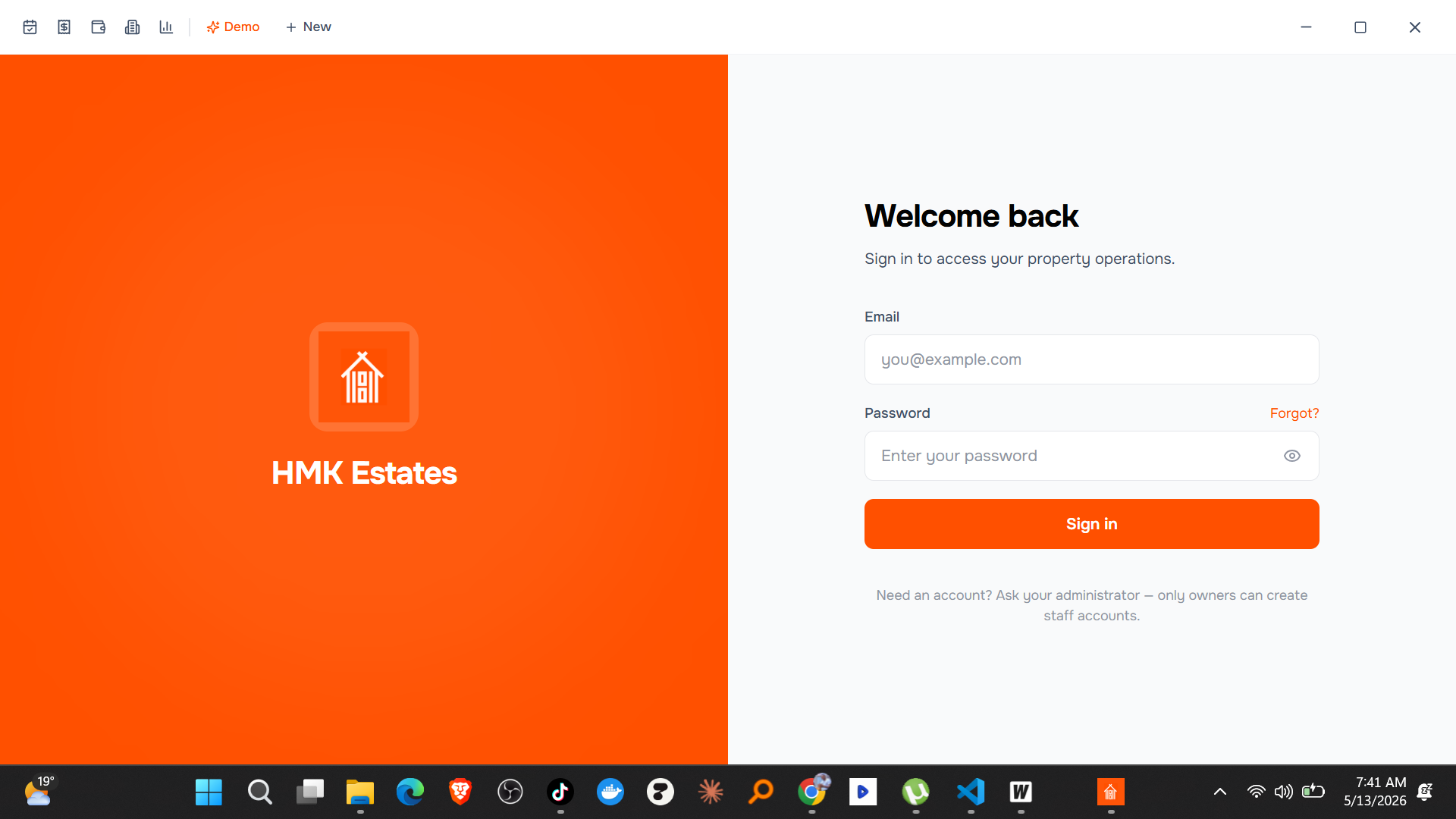
At Desishub we'll happily walk you through three: Rental Manager for property management, the Business Management Platform with IMEI Tracking for multi-branch retail, and HMK Estates for real-estate operations.

The 12-Point Vendor Evaluation Checklist
Score every vendor 0–3 on each point. Anything below 24/36 isn't the right team for production desktop software in Uganda.
1. Framework choice they can defend
Ask which framework they use and why. Acceptable answers in 2026: Wails (Go) + Grit Framework, Tauri (Rust), Flutter Desktop, .NET MAUI. Red answers: "Electron, because everyone uses it", or "We'll figure it out".
2. Bundle size of their last shipped app
Modern desktop apps in Uganda should be under 30MB. If their last installer is 200MB, your staff are downloading the framework every time you ship a fix.
3. Offline-first strategy
Don't accept "we cache stuff." Ask: "If the internet drops mid-sale, can I still finish the sale, print the receipt, and reconcile it tomorrow without manual intervention?" The answer must be yes, with a clear explanation of the local database, outbox table and sync worker.
4. Conflict resolution model
Two branches, no internet, both sell the last unit of SKU SAM-S24-256. What happens when fibre comes back? "Last write wins" is wrong. "We use an outbox with idempotency keys and counter CRDTs for stock fields, plus a human-resolvable conflict queue for non-counter data" is right.
5. Hardware integration list
Ask for the exact peripherals they've integrated: thermal receipt printer (which models?), barcode scanner (USB HID, Bluetooth?), customer display, cash drawer, fingerprint reader, weighing scale, ID card reader. Vague answers mean "we haven't actually done it."
6. Code signing and auto-update
A production desktop app must be code-signed and must auto-update silently. If their answer is "we'll email you the new .exe and your staff will install it", walk away.
7. Observability and crash reporting
When something breaks, who sees it first — you or them? The right answer: "We do, via structured logs and crash reports streamed to our observability stack." The Grit Framework ships Pulse for exactly this.
8. RBAC and audit logs out of the box
Cashiers should not see what supervisors see. Every destructive action (refund, void, stock adjustment) must be logged with actor and timestamp. RBAC and audit must be in the data model from day one, not bolted on at month three.
9. Multi-branch / multi-tenant architecture
If you might grow to a second location, the architecture has to support it. Ask how they scope data per branch and whether reports can compare branches.
10. Support model and SLA
Who picks up the phone at 7am when the till won't open? Ask for the support hours, response time, and whether you're talking to engineers or a call centre. Get it in writing.
11. Data portability and exit clause
If you fire them in two years, can you take your data and a working binary to another vendor? Insist on a documented database schema, an export tool, and a clause that hands the source code over to you at end of relationship.
12. Team specialization
Ask: "Who on your team will write my desktop app, and what other desktop apps have they shipped?" Avoid teams where desktop is a side hustle that one junior dabbles in between websites.
Five Red Flags That Should End the Meeting
- They want full payment upfront. Reputable shops bill in milestones tied to demos.
- They can't show a single shipped desktop binary. Slides ≠ software.
- They say "offline works automatically" without explaining how. It doesn't. Offline is hard.
- They quote in USD only. A vendor doing serious work in Uganda quotes in UGX, with mobile money invoicing.
- They refuse to share source code at handover. That's vendor lock-in disguised as IP protection.
UGX Pricing Benchmarks for Desktop Projects in 2026
These are realistic ranges from desktop projects shipped across Uganda in the last 12 months:
| Project type | Modules | Branches | Hardware | Realistic UGX |
|---|---|---|---|---|
| Single-user utility (PDF processor, time tracker) | 1 | 1 | None | UGX 4M – UGX 8M |
| Single-branch POS | 2–3 | 1 | Printer + scanner | UGX 8M – UGX 18M |
| Multi-module business system | 4–6 | 1 | Full POS hardware | UGX 18M – UGX 35M |
| Multi-branch retail platform with IMEI tracking | 5–7 | 2–4 | POS + biometrics | UGX 35M – UGX 70M |
| Industry platform (hospital, school, real estate) | 7+ | 3+ | Domain peripherals | UGX 70M – UGX 150M+ |
| AI-on-the-edge enterprise app (local LLM, doc review) | varies | varies | High-spec PCs | UGX 90M+ |
Anything dramatically cheaper than the low end of these ranges is almost certainly cutting on offline mode, RBAC, observability or support. You'll pay it back later — usually in lost revenue when something breaks.
Contract Clauses That Protect You
When you sign, make sure the contract spells out:
- Source code escrow or direct hand-over at project end or termination
- Acceptance criteria per milestone, tied to a demo, not a sign-off
- Bug warranty for at least 60 days post-launch
- SLA for production incidents (e.g., critical bug = 4-hour response)
- Right to audit the production database for compliance
- Data ownership: explicit that all customer data belongs to you, not the vendor
- Update channel ownership: you control the release channel after handover
Any vendor who pushes back on these is telling you something about how they'll behave when things go wrong.
Why Desishub Keeps Winning These Briefs
We're not the only shop in Uganda doing desktop work, but we score well on every point above — and we're the only team in the country shipping production apps on the Grit Framework (Wails + Go + React + production scaffold), authored by our own founder JB.
What that means concretely for clients:
- Faster start. We don't begin every project from a blank repo. Grit gives us auth, RBAC, observability, an admin panel and a resource generator on day one, so your first demo lands inside 2–3 weeks.
- Smaller, faster binaries. 10–25 MB installers versus 100+ MB on Electron-shop alternatives.
- A reusable offline-sync pattern. Battle-tested across Rental Manager, the Business Management Platform and HMK Estates. No "let's figure out conflict resolution as we go."
- Founder-level review on every project. Architecture decisions are made or signed off by JB, who wrote the framework.
- UGX-first commercial terms. We quote in UGX, accept MTN Mobile Money, Airtel Money and bank transfer, and bill in milestones.
- An honest portfolio. Three running desktop apps you can install and click through, plus references from clients who'll take your call.
FAQs
1. How long does a typical desktop project take? Small utilities ship in 3–5 weeks. Multi-module business systems take 8–12 weeks. Enterprise platforms with hardware and multi-branch sync run 16–24 weeks.
2. Should I pick a freelancer or an agency? For desktop, almost always an agency. Solo freelancers can ship a small utility, but production desktop software needs a team for code review, observability, support rotations and hardware integration.
3. Can I start with a small build and expand later? Yes — that's how most of our clients work. We scope a tight phase 1 (e.g., POS + Inventory + IMEI for one branch), ship it in 6–8 weeks, then add modules in phase 2.
4. Do you handle staff training? Yes. Every Desishub desktop deployment includes a 2-day on-site training for end users plus a printed quick-reference card per role.
5. What if the vendor disappears? This is the single biggest risk in custom software in Uganda. Protect yourself with source-code hand-over at end of project, a documented schema, and a relationship with at least one engineer who could take it over. We hand over source code by default.
6. Can I run the same app on multiple operating systems? Yes — Wails-based apps (and therefore Grit Desktop apps) build for Windows, macOS and Linux from a single codebase.
7. What about cloud hosting fees? The desktop client runs on your hardware. The central sync server (if you have multiple branches) runs on a small Hetzner or Contabo VPS — typically $15–$30/month, well inside any business budget.
Suggested Articles
- Best Desktop App Development Company in Uganda 2026
- Grit Framework vs Electron vs Tauri
- Inside Our Offline-First Business Management Platform
- Desktop App Development Uganda — Rental Manager Case Study
- Desktop App Development: Why It Still Matters for Enterprise
- Hiring a Freelancer vs Agency for Your Ugandan Project
Ready to Brief a Real Desktop Team?
If you've reached the end of this checklist and you're ready to find a team that actually scores well on it, book a free 30-minute discovery call with Desishub. Bring your business outcomes, your hardware list and your branch count. We'll come with a recommended architecture, a UGX quote and a demo timeline. No slide decks.